AI sprite generator for
2D game animations
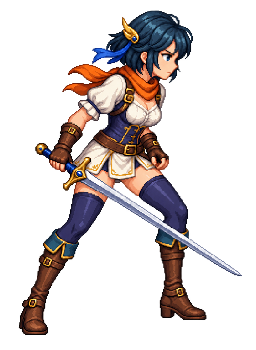
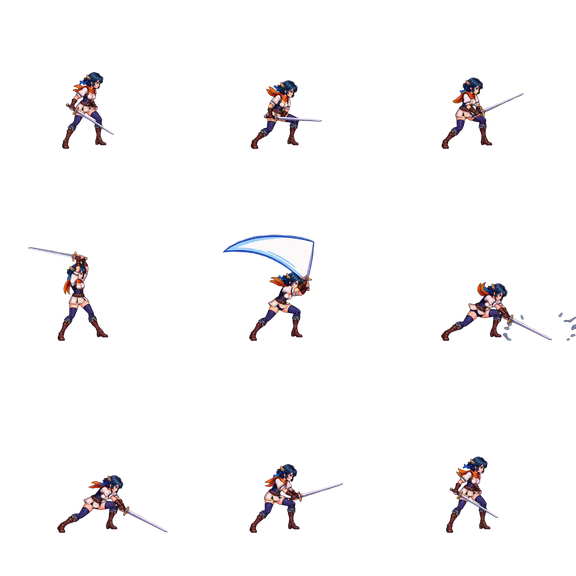
AnimGen is an AI sprite generator built for game developers. Upload one character image, generate a motion preview, select a clean loop, and export sprite sheets, PNG sequences, or engine-ready animation packs.
Export workflows for modern game engines



Generate sprite animations from one image.
Describe the action, choose the options supported by the selected model, and generate a video preview from your character art before deciding which frames to export.
- Review character consistency before export
- Optional transparency processing during export
- Model-specific generation controls

Trim a clean loop, frame by frame.
AI output is not always useful from start to finish. The integrated timeline lets you scrub frame by frame, select the strongest segment, and preview how that range repeats before export.
- Frame-by-frame stepping
- Real-time loop preview
- Adjustable export FPS (12, 24, 60)
Real workflow example
From one character image to reusable game assets
This project-owned forest deer shows a real source image, a generated motion clip, and the matching 4×4 sprite sheet exported from that motion.
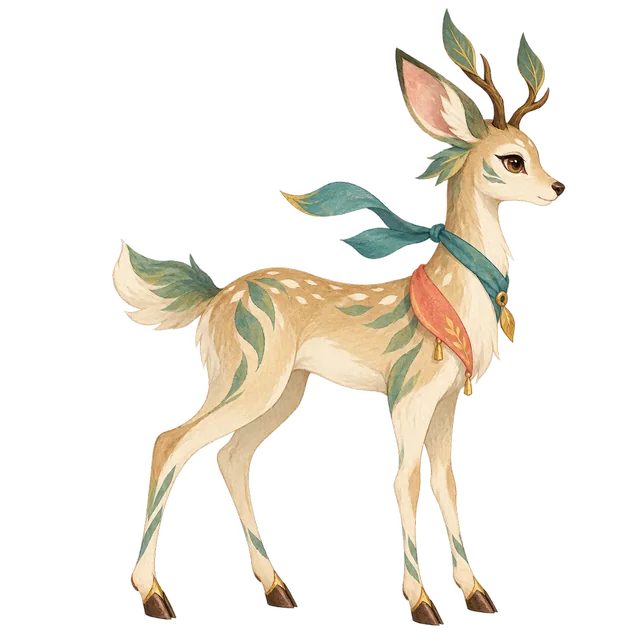
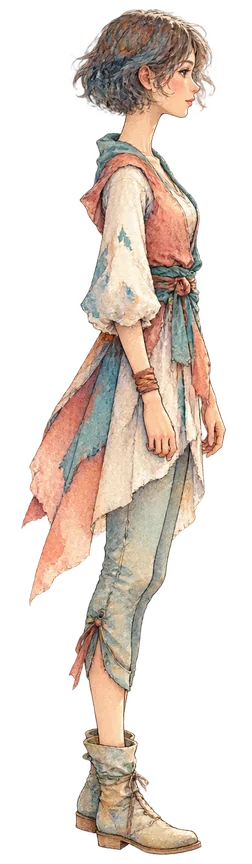
Start with one transparent side-view character image, then generate motion and choose the files your game needs.
Image to animation
Upload a start frame, describe an action, generate a preview, and inspect it before export.
Read the image workflow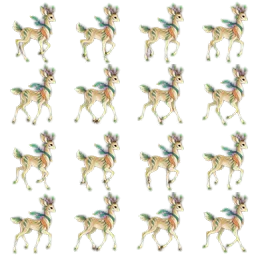
Sprite sheet maker
Generate or import motion, select the useful frames, and export a sprite sheet with JSON metadata.
Open the sprite sheet guideAnimate a transparent PNG
Generate motion from artwork with meaningful alpha, then export WebM, ProRes, RGBA frames, or engine-ready packs.
Open the transparent animation guideVideo to sprite sheet
Import or reuse a video, trim the useful range, and package it as PNG frames or sprite assets.
Read the sprite workflowBrowse the complete workflow example
See the input, review, trim, export, and accuracy notes in one place.
AI sprite generator questions
What does the AnimGen AI sprite generator do?
Upload one character image and describe the action. AnimGen generates a motion preview, you select the clean loop, and then export a sprite sheet, PNG frames, or an engine-ready pack.
Which game engines can I export sprites to?
Exports include a sprite sheet with JSON metadata, a PNG sequence ZIP, and packs for Unity, Godot 4, Unreal Paper2D, Cocos Creator, and Construct 3.
Can I animate pixel art characters?
Yes. Upload a pixel art character, generate the motion, and choose the output frame size before export. Review edges and frame consistency before production use.
Can I use the generated sprites in a commercial game?
Assets generated with paid subscriptions or paid credit packs may be used in commercial game projects, subject to the Terms.
Can I try the AI sprite generator for free?
After verification, eligible new accounts receive 120 welcome credits, valid for 7 days. No credit card is required for the free tier.
Ready to animate your assets?
After verification, eligible new accounts receive 120 welcome credits, valid for 7 days.
No credit card required for free tier.