Service updates
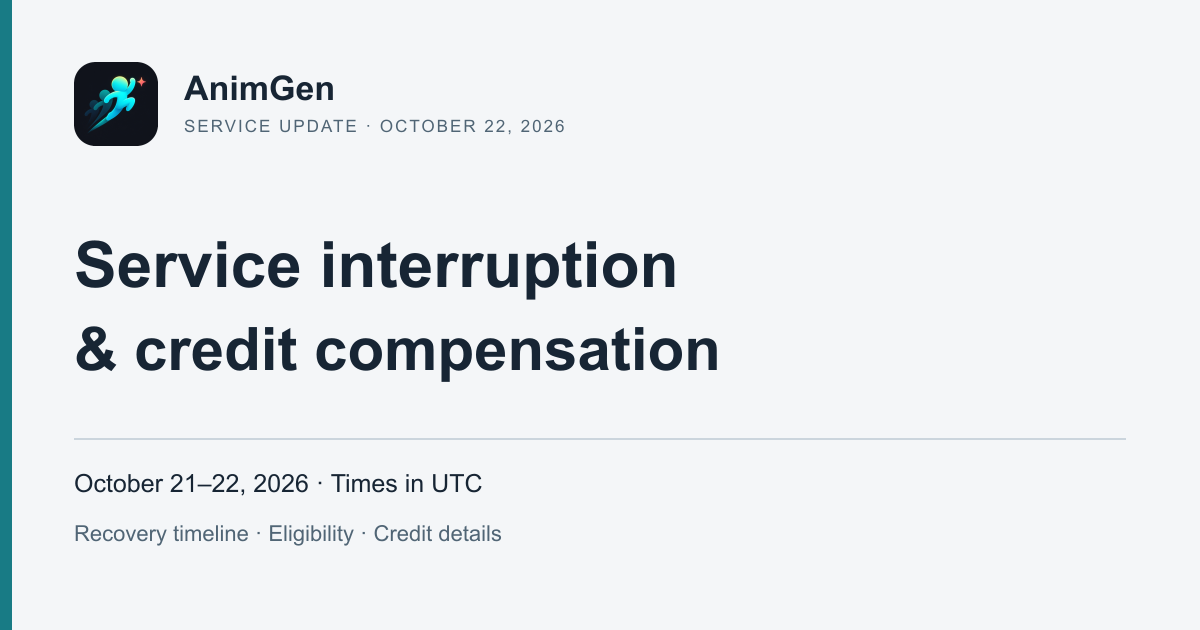
October 21–22 Service Interruption: What Happened and Credit Compensation
An account of AnimGen's October 21–22 interruption, recovery milestones, and the credit compensation already issued to eligible paid accounts.
Read the updateANIMGEN FIELD NOTES
Practical guides to transparent animation, frame editing, and assets you can bring into your game.
Service updates
An account of AnimGen's October 21–22 interruption, recovery milestones, and the credit compensation already issued to eligible paid accounts.
Read the updatePokémon 30th anniversary
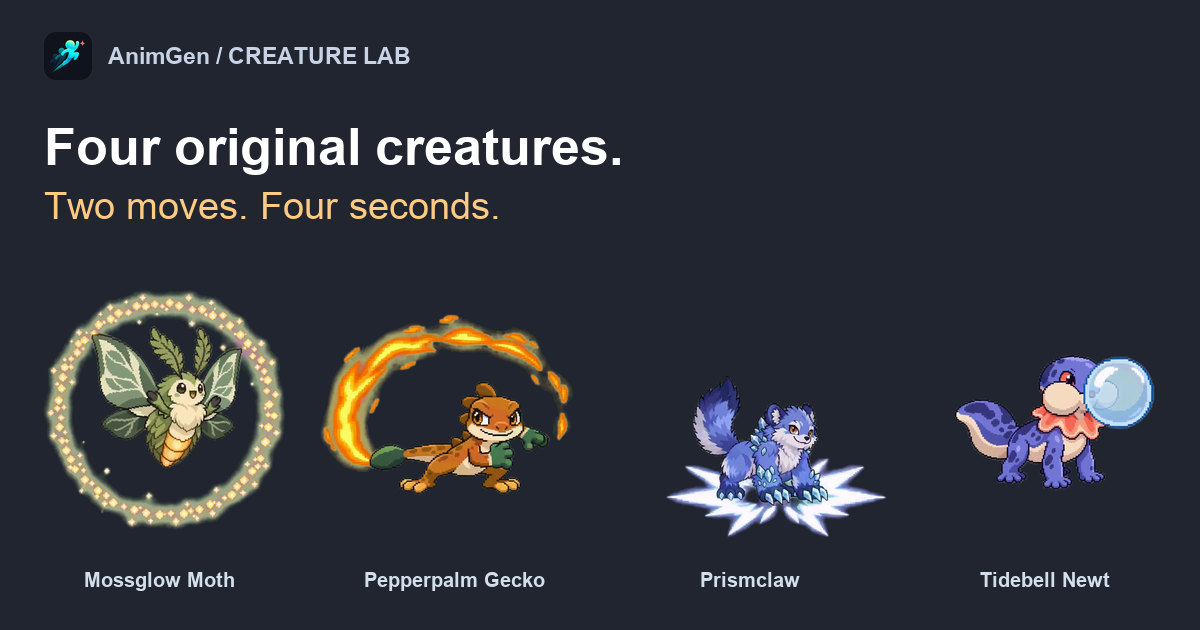
December 18 for the Japanese Pokémon art books, December 4 for the US TCG binder, plus four original pixel-style creatures we animated to celebrate 30 years of Pokémon.
Read the guidebest AI sprite generators
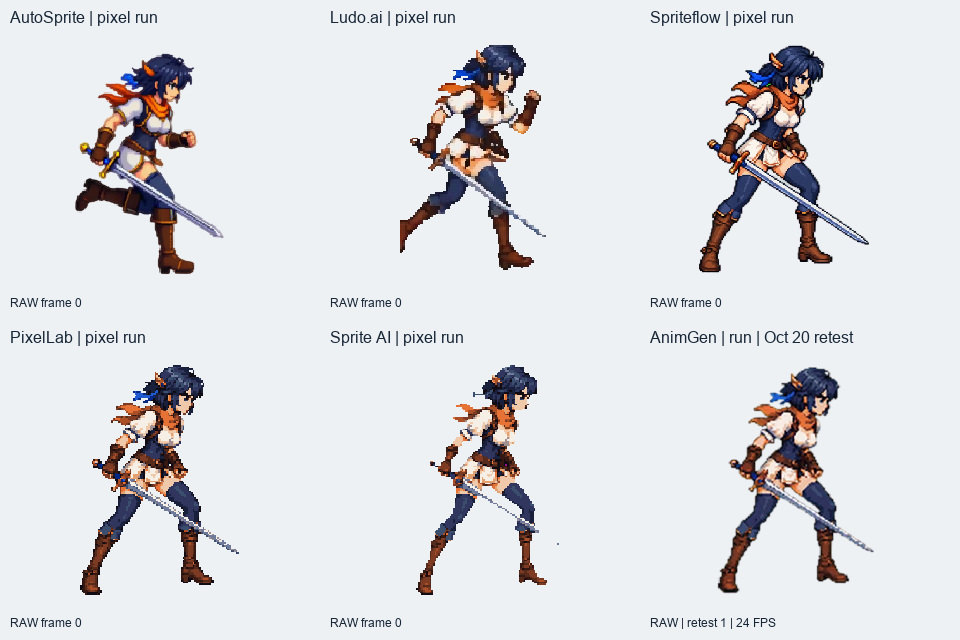
Compare AutoSprite, Ludo.ai, Spriteflow, PixelLab, Sprite AI and AnimGen using the same character, real animation exports, Godot checks and recorded costs.
Read the guidePhotoCraft download
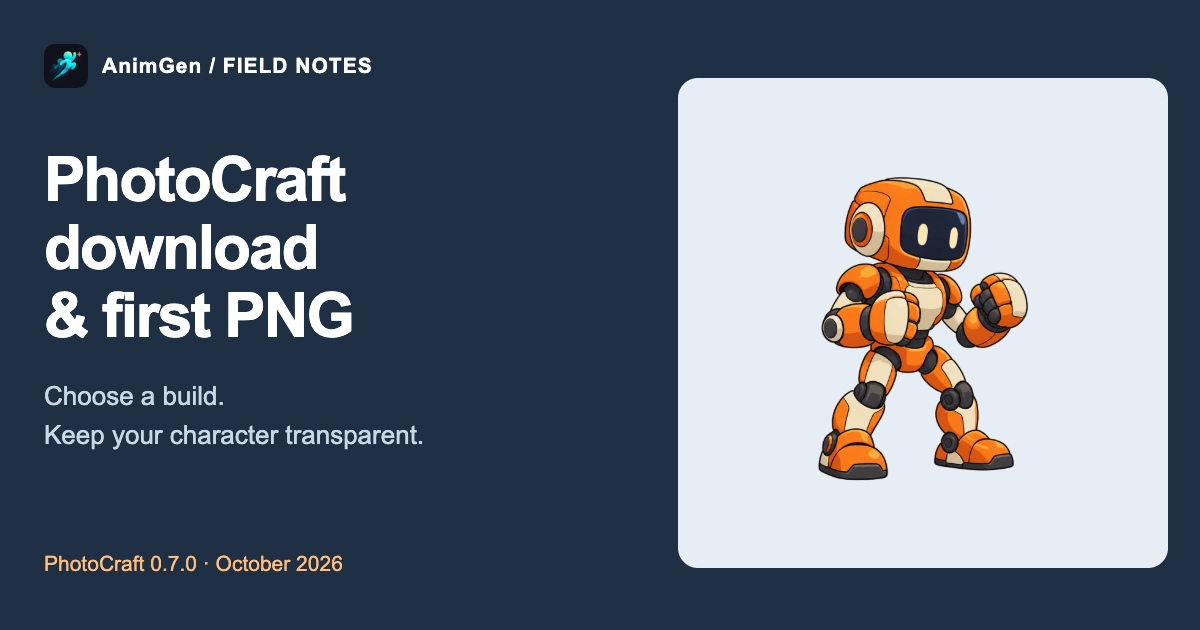
Find the official PhotoCraft download, choose ArtCraft Launcher or a standalone build, and use our tested robot PNG to check canvas margins and transparent export.
Read the guidePhotoCraft MCP
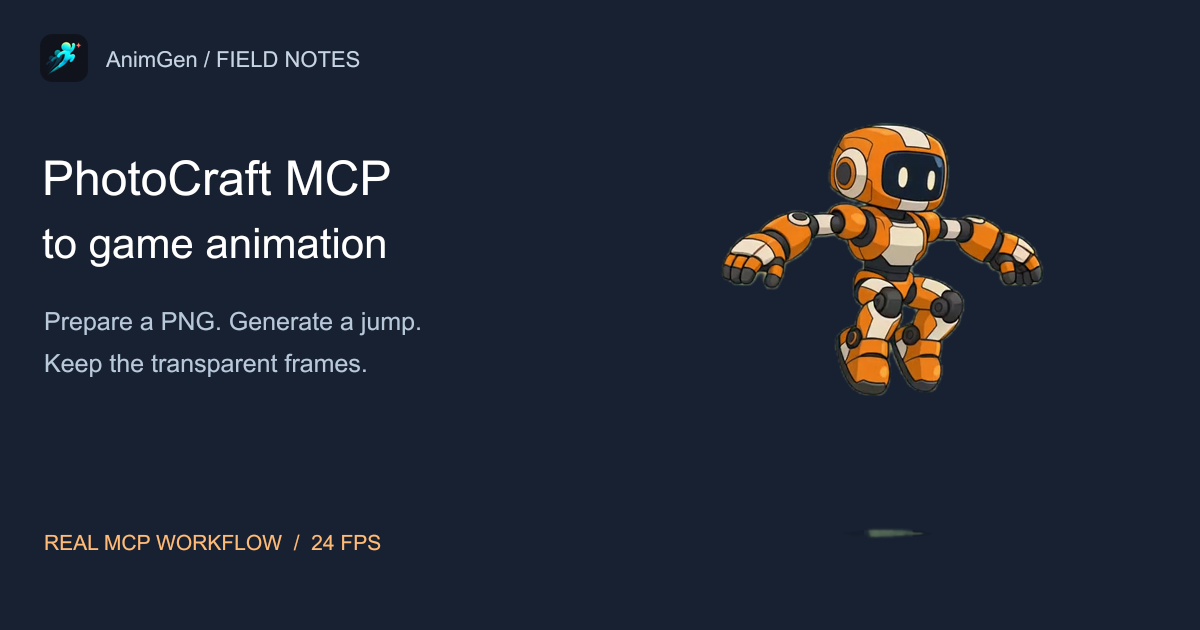
Use PhotoCraft MCP to prepare a character PNG, AnimGen MCP to generate a jump, and PhotoCraft to clean the frames. Includes real videos and 24 FPS downloads.
Read the guideArtCraft Brandon Thomas
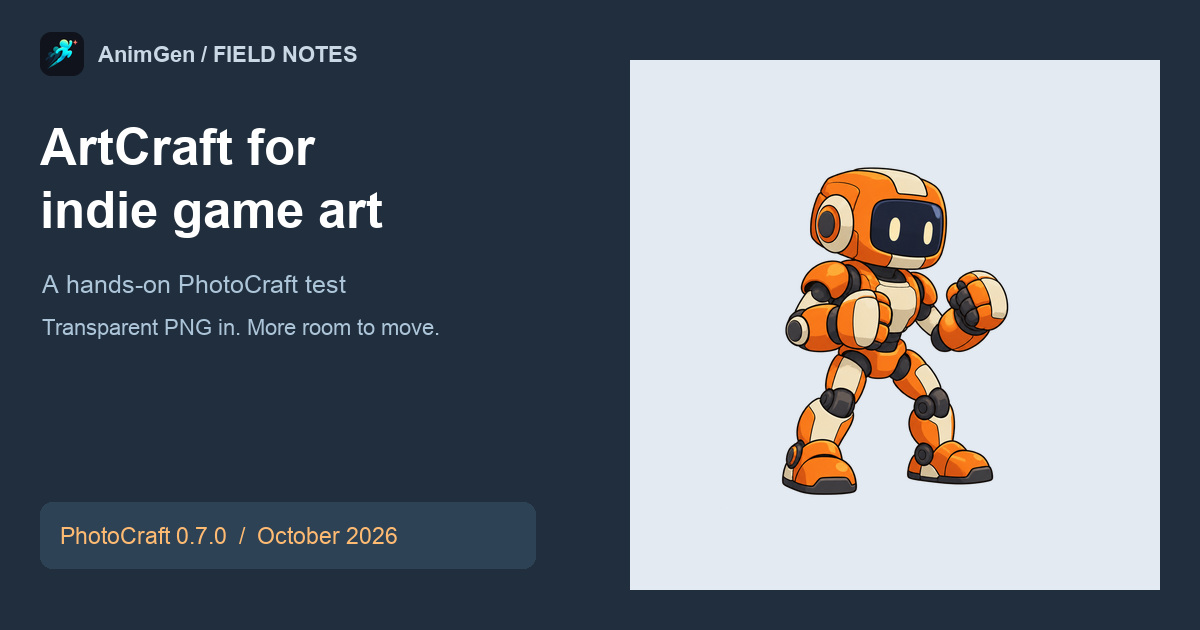
Explore ArtCraft's 13 free creative apps and Launcher, plus our PhotoCraft 0.7.0 test with a transparent game character and the next steps to animation and sprite sheets.
Read the guidehow to make a sprite sheet
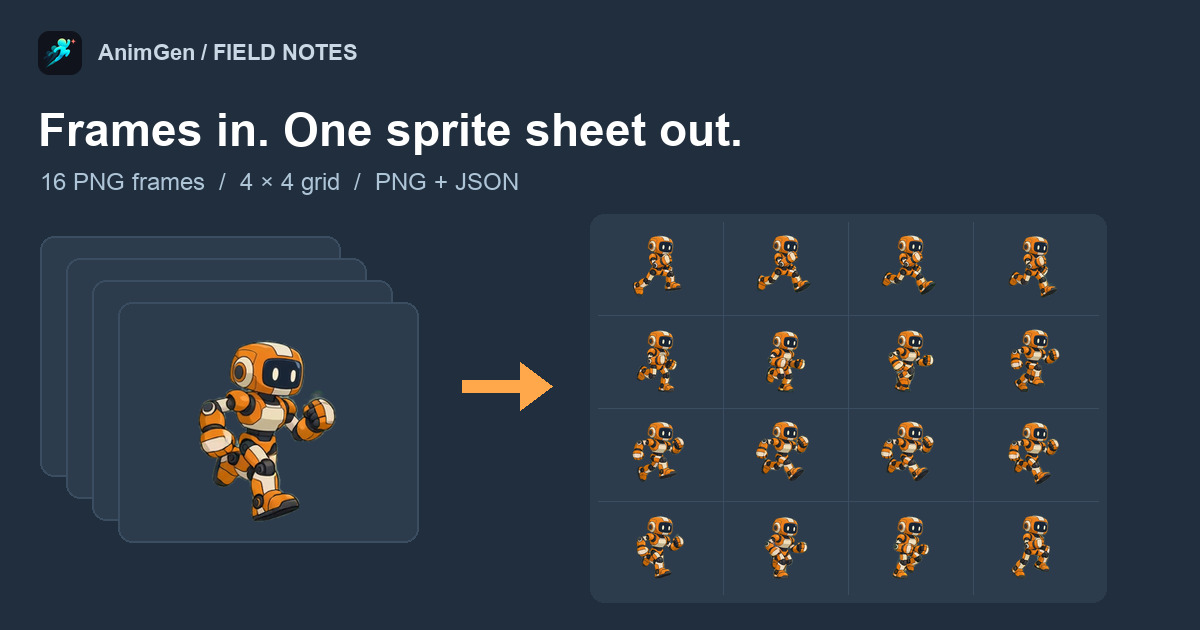
Make a sprite sheet from PNG frames, a video, or one character image. Tested with real files, plus the JSON format and Godot and Unity import.
Read the guideAI character animation
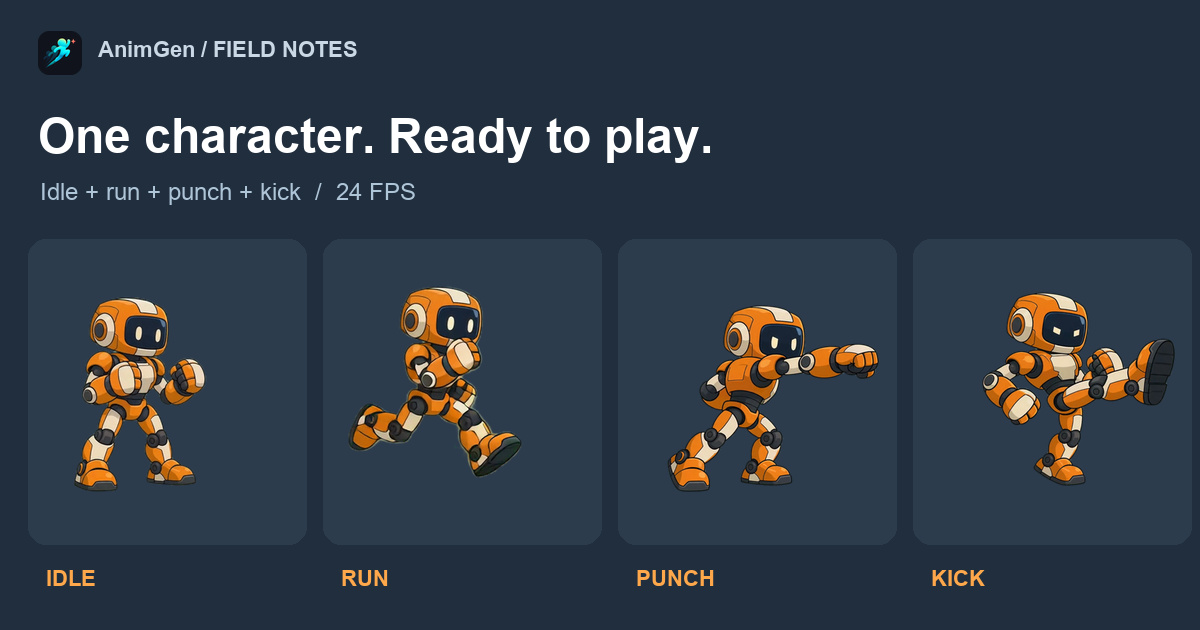
Connect four transparent AI animation clips to movement and attack controls, with a playable demo, real Godot footage, sprite sheets, and a project.
Read the guideMultiple actions in one AI video
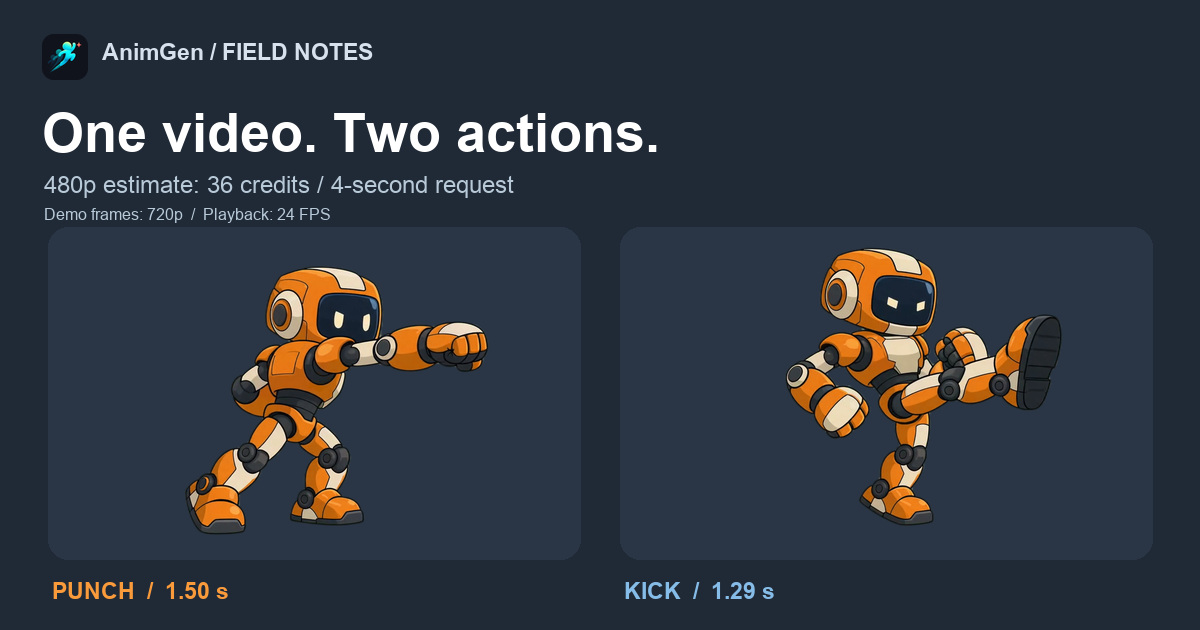
Turn one 4-second AI video into separate punch and kick animations. Includes a 480p cost example, the prompt, 24 FPS cuts, and a transparent sprite pack.
Read the guideAI sword attack animation
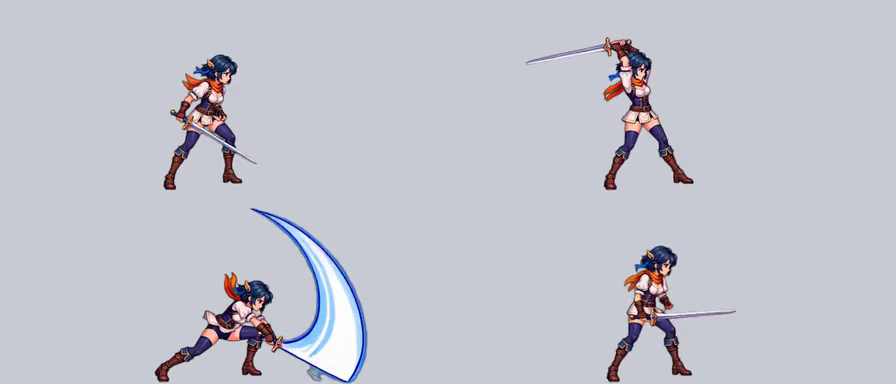
Trim idle and remove hold frames from a 4-second AI sword animation. See the edited 28-frame, 1.17-second attack at 24 FPS and try the click-to-attack demo.
Read the guideExpand Canvas
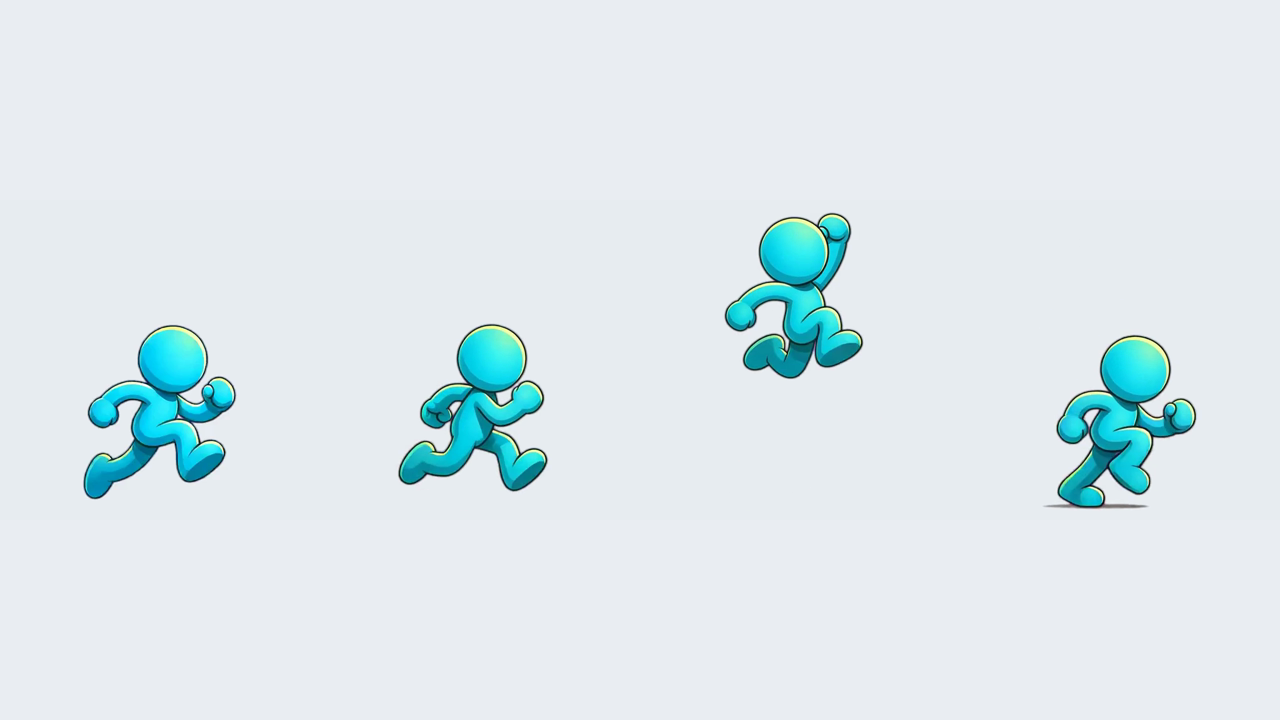
Give run, jump, and attack animations room to move with AnimGen's Expand Canvas, shown with real controls, padding comparisons, and a 24 FPS sample.
Read the guideAI walk cycle
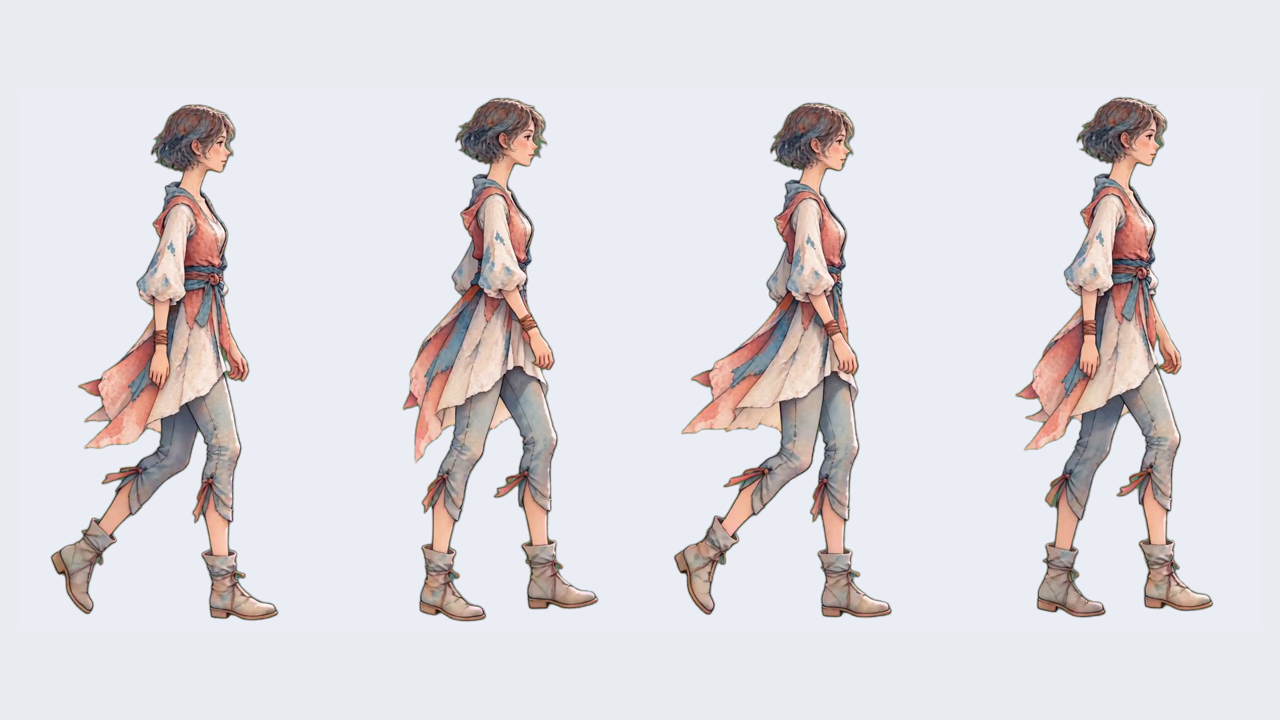
Follow a watercolor character from a four-second preview to a 32-frame walk cycle: check the loop seam, keep playback timing, and compare footwork.
Read the guidefix green edges in transparent animation
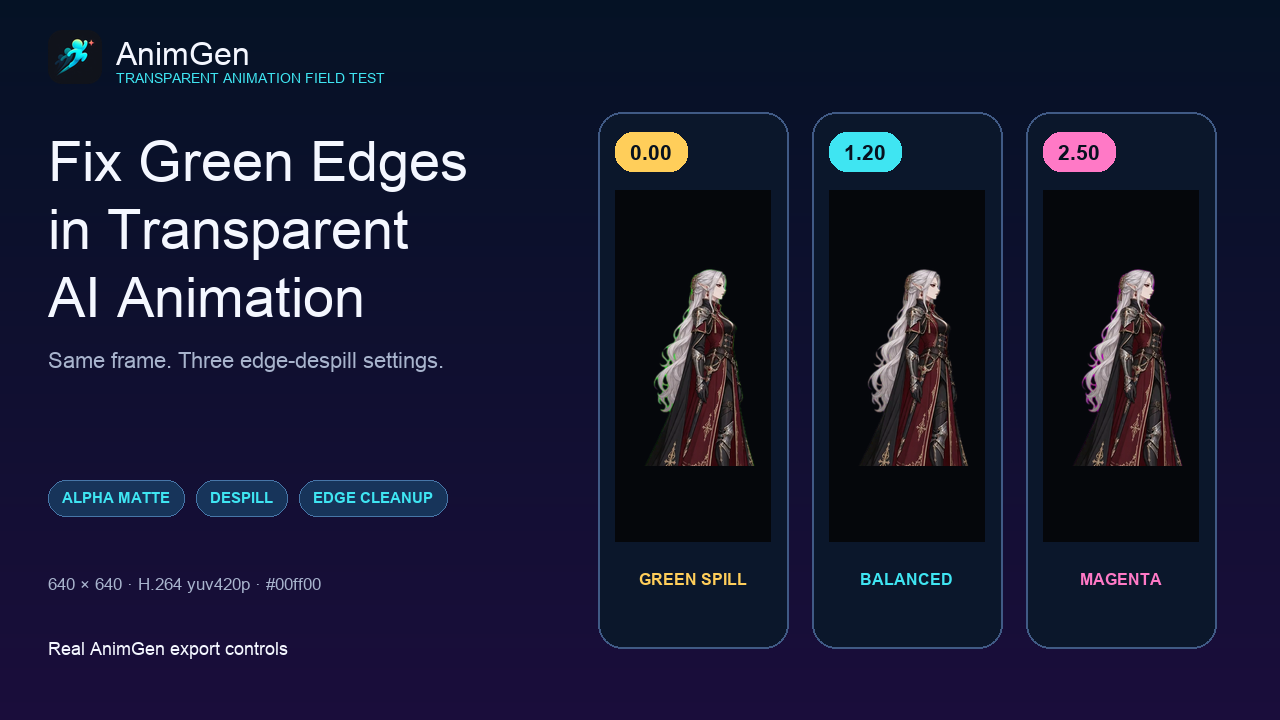
See how Alpha thresholds, edge contraction, feathering, and despill change a real AI-generated animation through controlled same-frame tests.
Read the guidesprite sheet vs PNG sequence
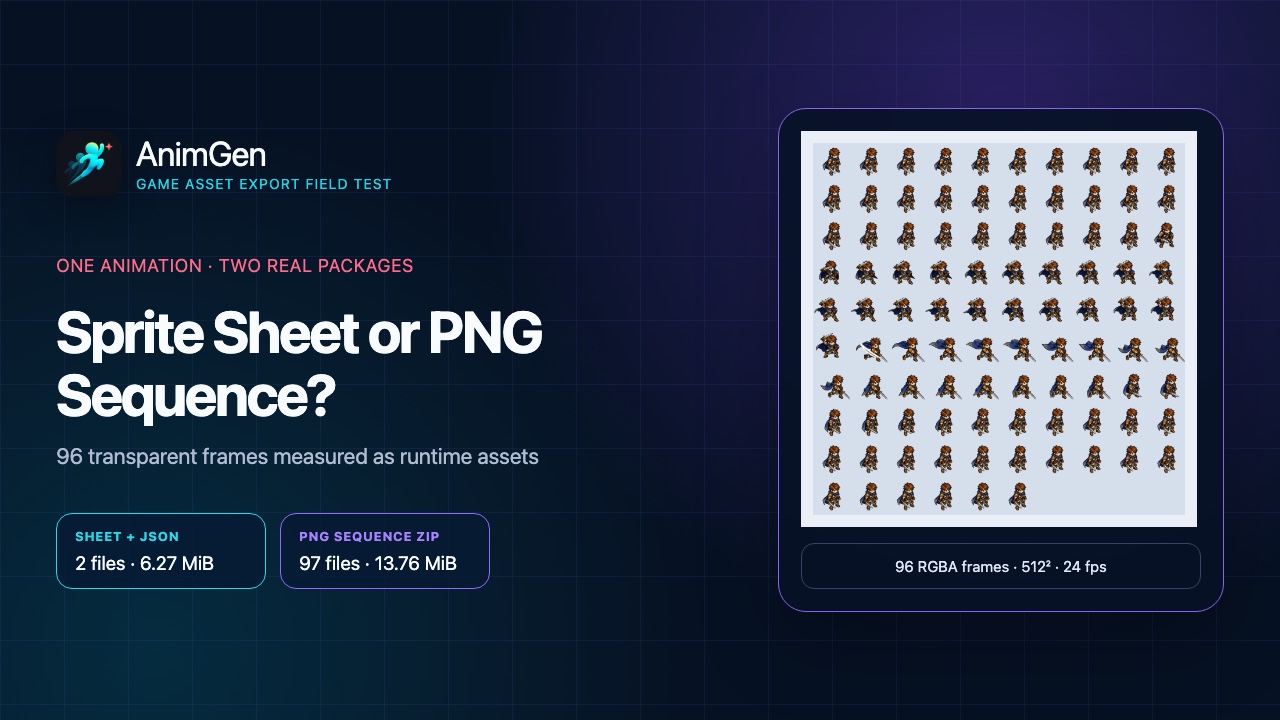
Compare a sprite sheet plus JSON with a PNG sequence using the same 96 transparent frames, measured file sizes, decoded memory baselines, and texture limits.
Read the guideWebM Alpha vs ProRes 4444
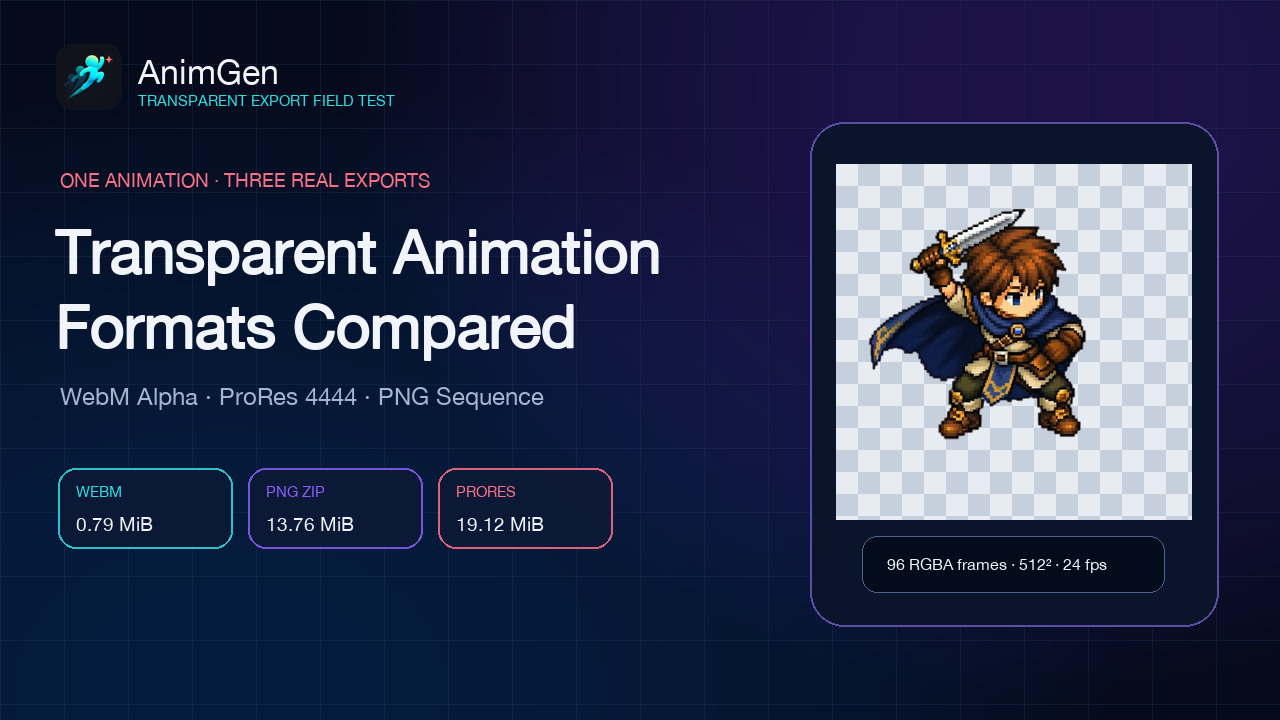
Compare WebM Alpha, ProRes 4444, and PNG sequences using the same 96-frame transparent animation, measured sizes, decoded Alpha checks, and downloadable files.
Read the guideMCP animation generator
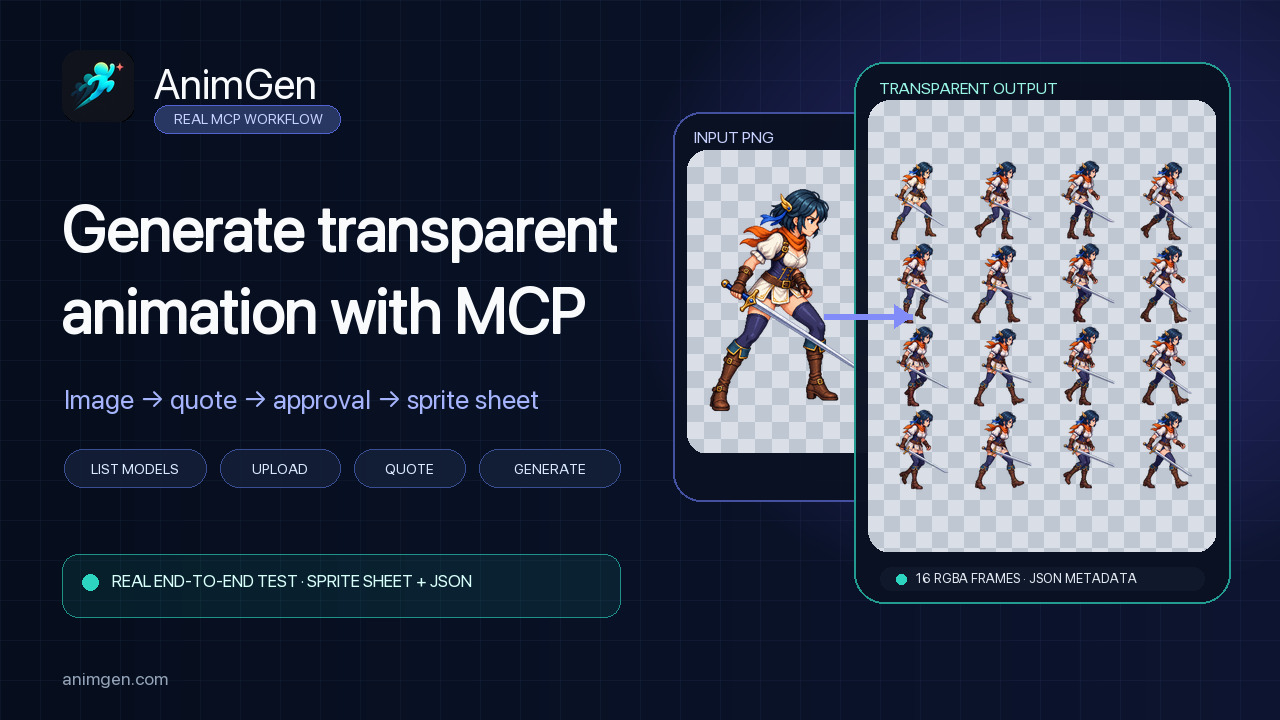
Use AnimGen MCP to discover a model, upload a PNG, approve the quote, generate a transparent animation, and download a sprite sheet with JSON.
Read the guidetransparent animation for websites
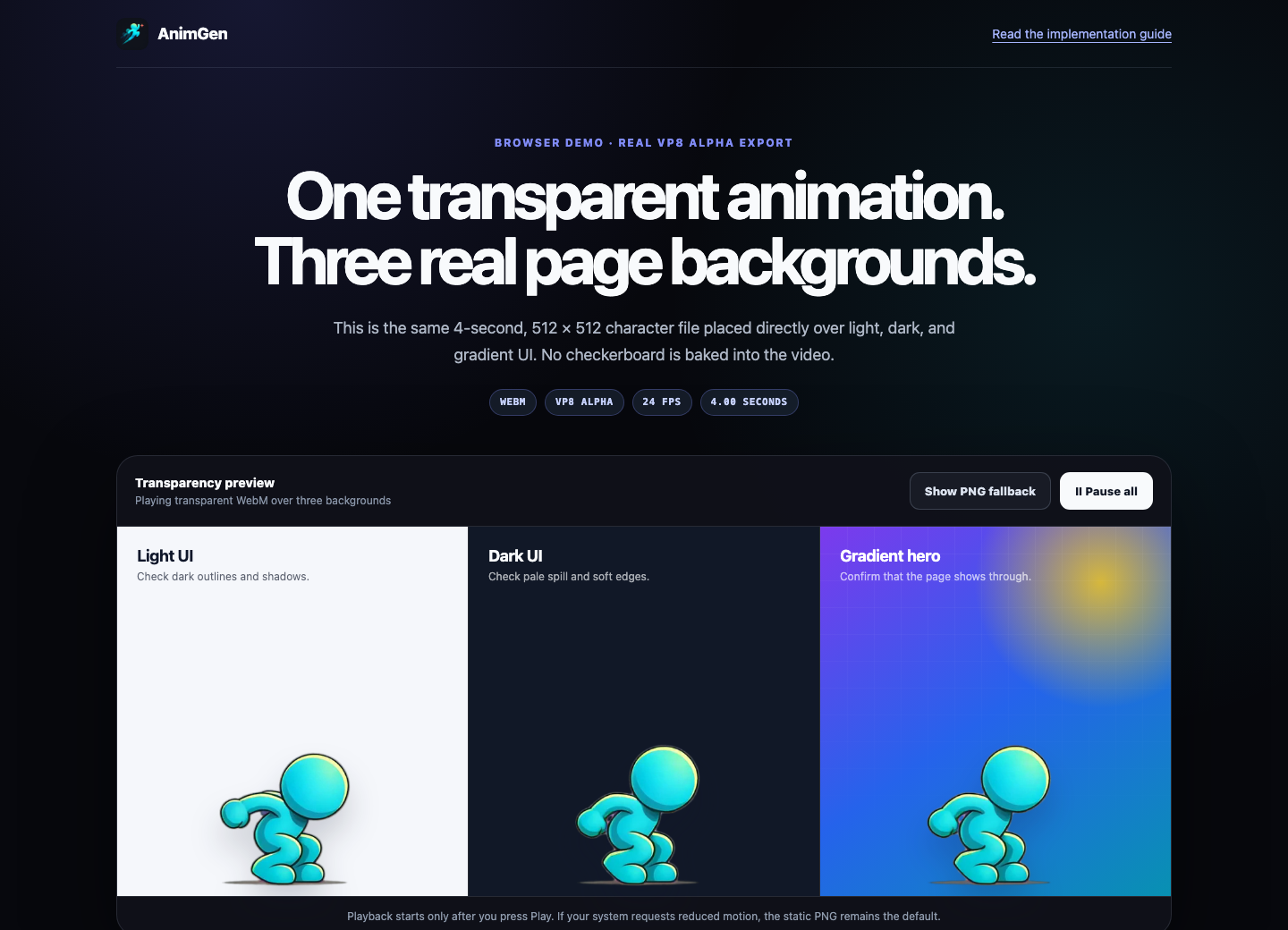
Embed a transparent WebM character animation in HTML, place it on real page backgrounds, and add a PNG fallback with accessible playback controls.
Read the guideGodot 4 animation import
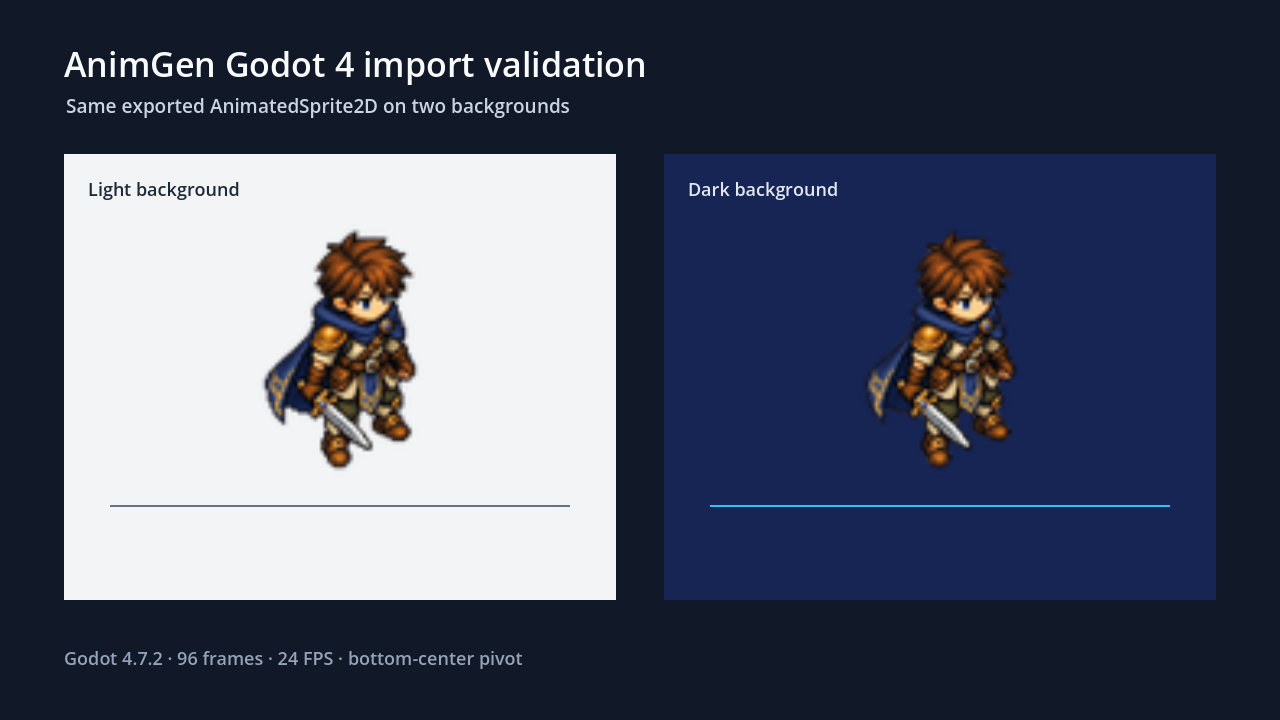
Import an AnimGen Godot pack, preserve its SpriteFrames paths and pivot, then verify the transparent animation in a real Godot 4 scene.
Read the guidetransparent PNG animation
Animate a transparent character PNG, choose useful run and jump frames, adjust a jump hold, and export assets for your game. Includes prompts and real samples.
Read the guide