GIF to APNG converter
Convert an animated GIF to an animated PNG (APNG). Every frame, its timing, the loop count, and transparency are kept, and unless you change a setting the conversion is lossless. You can also scale the animation or reduce its colours to make a smaller file. Nothing is uploaded, and no account is needed.
- Runs in your browser
- Nothing is uploaded
- No account needed
Drop a GIF to convert it to APNG
Animated GIF. Every frame, its timing, and transparency are kept.
Your file stays on this device.
Convert a GIF to APNG in four steps
- 1
Drop your GIF
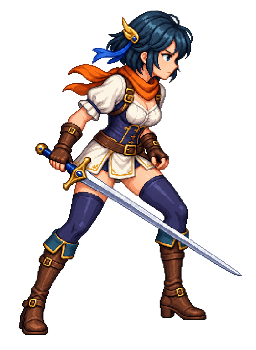
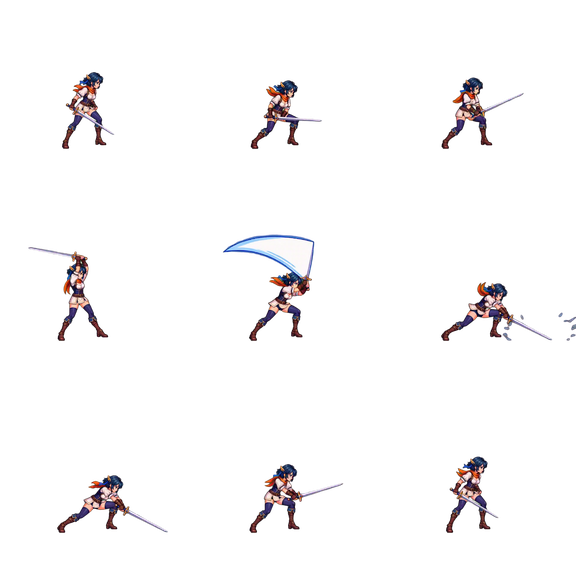
Choose an animated GIF, or try the sample walk cycle. The frames are decoded in your browser.
- 2
Compare the result
The APNG plays beside the original GIF, with both file sizes, so you can see what changed.
- 3
Adjust if needed
Scale the animation, keep every second or third frame, limit the colours, or change how many times it loops.
- 4
Download
Save the APNG. It is one file whose name ends in .png, or in .apng if you prefer.
What the converter keeps
- Every frame, rebuilt the way a browser shows it, with the time it stays on screen.
- The loop count: a GIF that loops forever gives an APNG that loops forever, and a GIF that plays once gives one that plays once.
- Transparency: pixels that are transparent in the GIF are transparent in the APNG.
- Every colour, when the colours setting is left alone. A GIF that uses 256 colours or fewer across all its frames becomes a palette PNG, and any other is stored in full colour.
- For each frame after the first, only the part of the picture that changed is stored, which keeps the file small.
GIF and APNG compared
Both formats hold an animation as a series of frames in one file. They differ in colour, transparency, and where they play.
| Feature | GIF | APNG |
|---|---|---|
| Colours | 256 per frame | Up to 16.7 million, or a palette of 256 |
| Transparency | On or off per pixel | 256 levels per pixel |
| Compression | LZW | Deflate, the same as PNG |
| Where it plays | Almost everywhere | Current versions of Chrome, Edge, Firefox, and Safari |
An APNG is also a valid PNG file: software that does not know APNG shows its first frame as a still image.
GIF to APNG questions
Is my file uploaded to a server?
No. The file is read and converted by JavaScript in your browser tab, and the download is created on your device. Nothing is uploaded, and you do not need an account.
What is APNG?
APNG, or animated PNG, is an extension of the PNG format that holds several frames in one file. It supports full colour and partly transparent pixels, and current versions of Chrome, Edge, Firefox, and Safari play it the way they play a GIF.
Is the conversion lossless?
Yes, unless you change a setting. Every pixel of every frame is the same as in the GIF. It stops being lossless only when you scale the animation, skip frames, or limit the colours.
Will the APNG be smaller than the GIF?
Often, but not always. Flat colours and pixel art usually get smaller, because PNG compression is stronger and only the changed part of each frame is stored. Photo-like GIFs can come out larger. The tool shows both sizes before you download.
Does the APNG play at the same speed as the GIF?
Yes. Each frame keeps its delay. Browsers play a GIF frame with a delay of 0.01 seconds or less at 0.1 seconds, and the APNG stores that 0.1 seconds, so both play at the same speed.
Should the file name end in .png or .apng?
Either works, because the content is the same. Choose .png unless an app asks for .apng: every program opens a .png, and one that does not play APNG still shows the first frame.
Why does my APNG not move?
Some apps show only the first frame. Many image viewers and editors do not play APNG, so open the file in a browser such as Chrome, Firefox, or Safari to check that it moves. Saving the file again from an image editor, or uploading it to a site that converts images, can also remove the animation.
Can I use the APNG as a Discord sticker?
A Discord sticker must be 320 × 320 pixels, at most 512 KB, and at most 5 seconds long. The Discord sticker maker on this site converts a GIF and applies those limits in one step.
More free tools
All free toolsMake new animations for your character
Create an account, upload one character image, and describe the move. AnimGen generates the motion and exports it as a sprite sheet, PNG frames, or GIF.
Animate a character with AIWelcome credits after verification