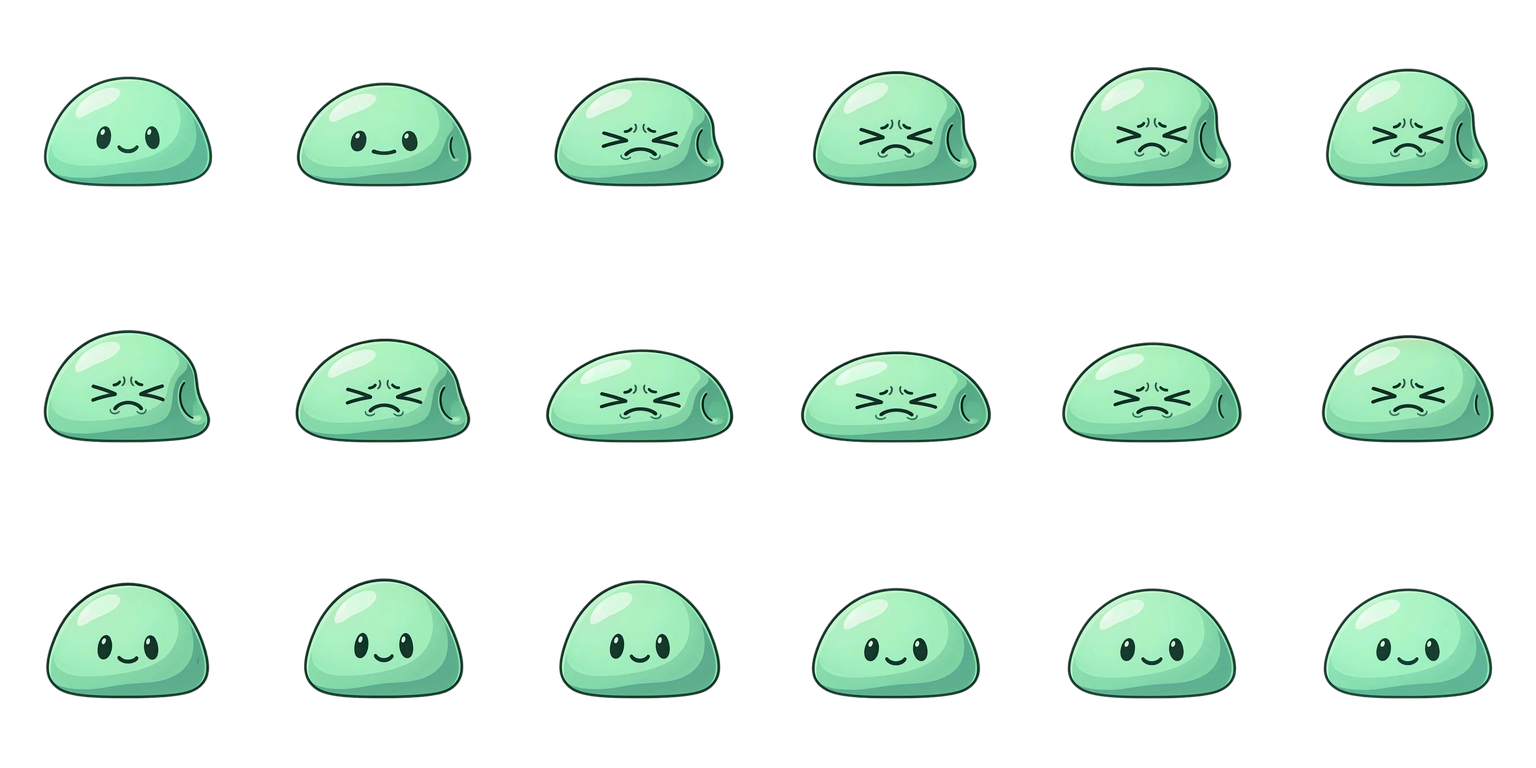
Slime sprite sheet
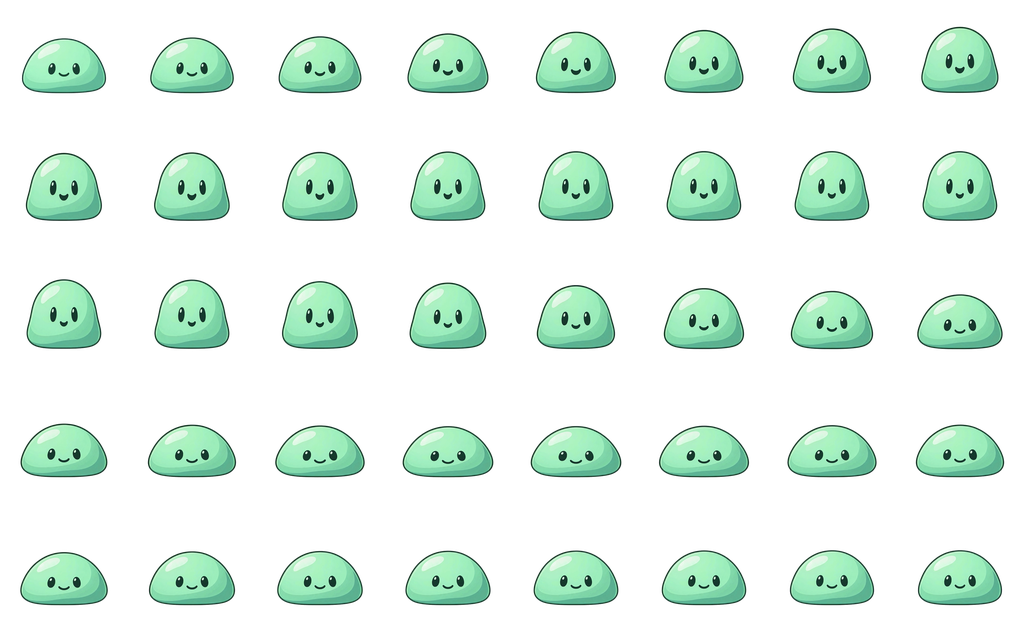
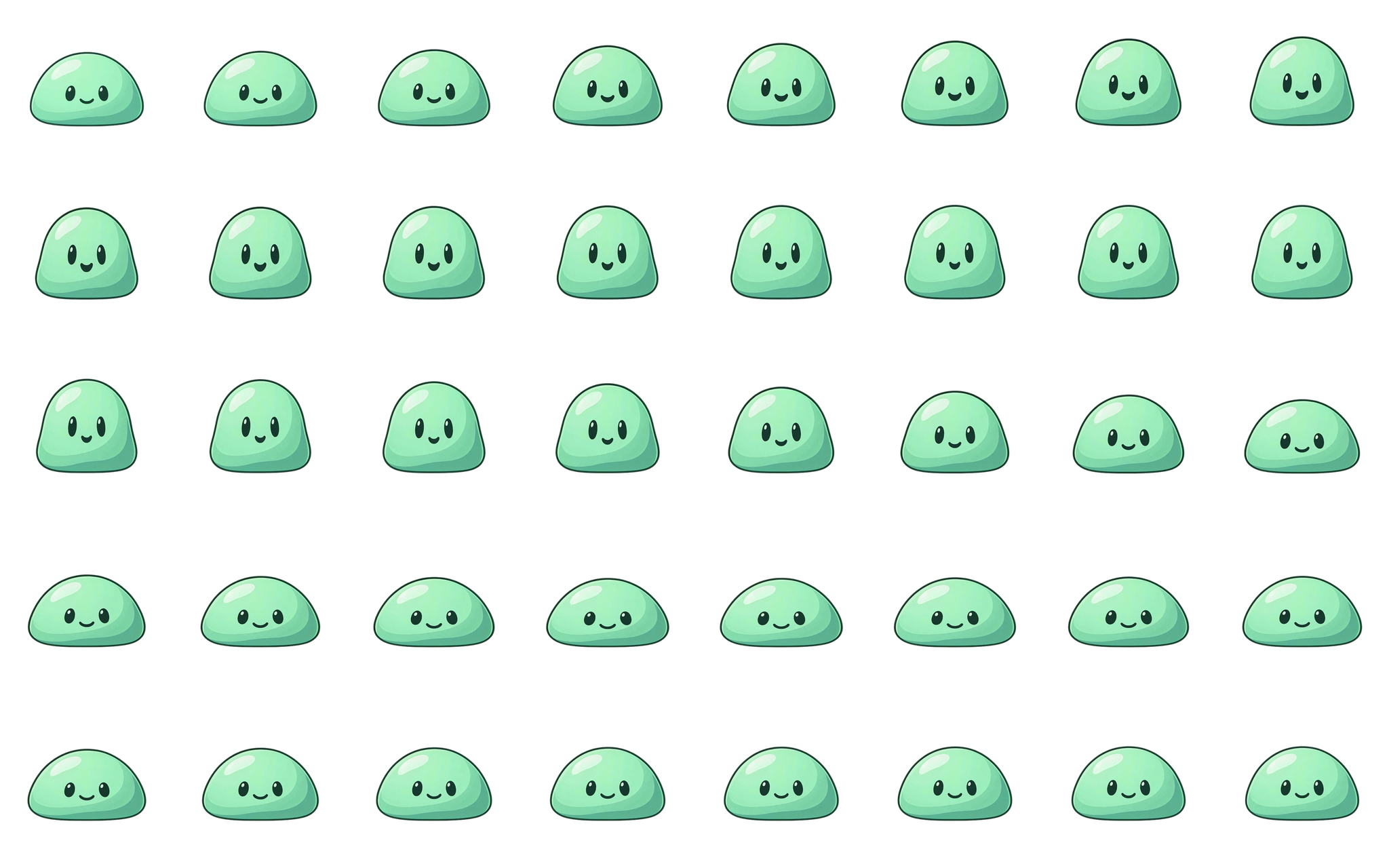
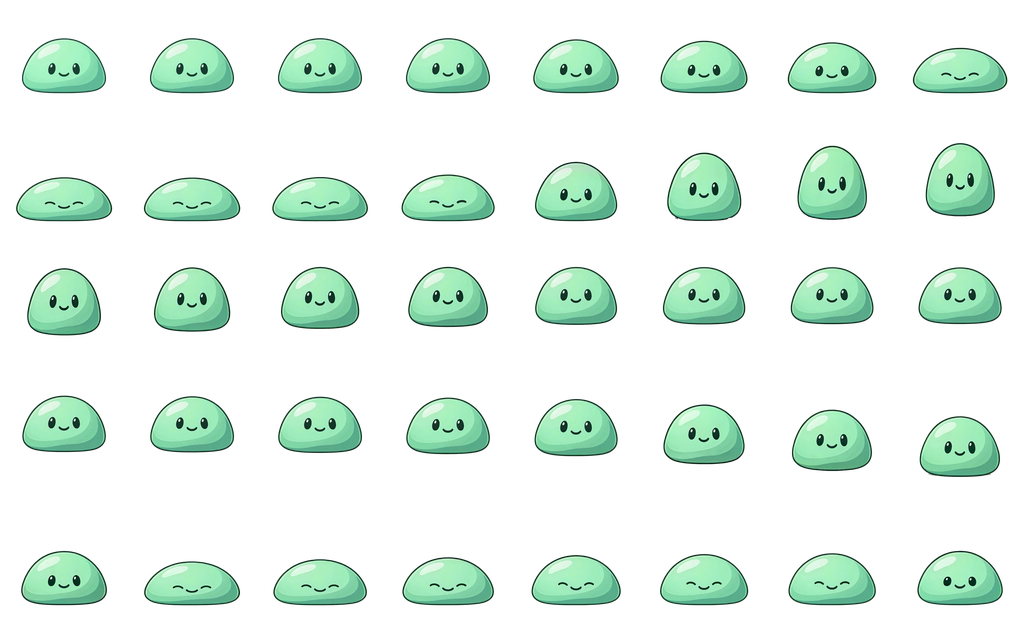
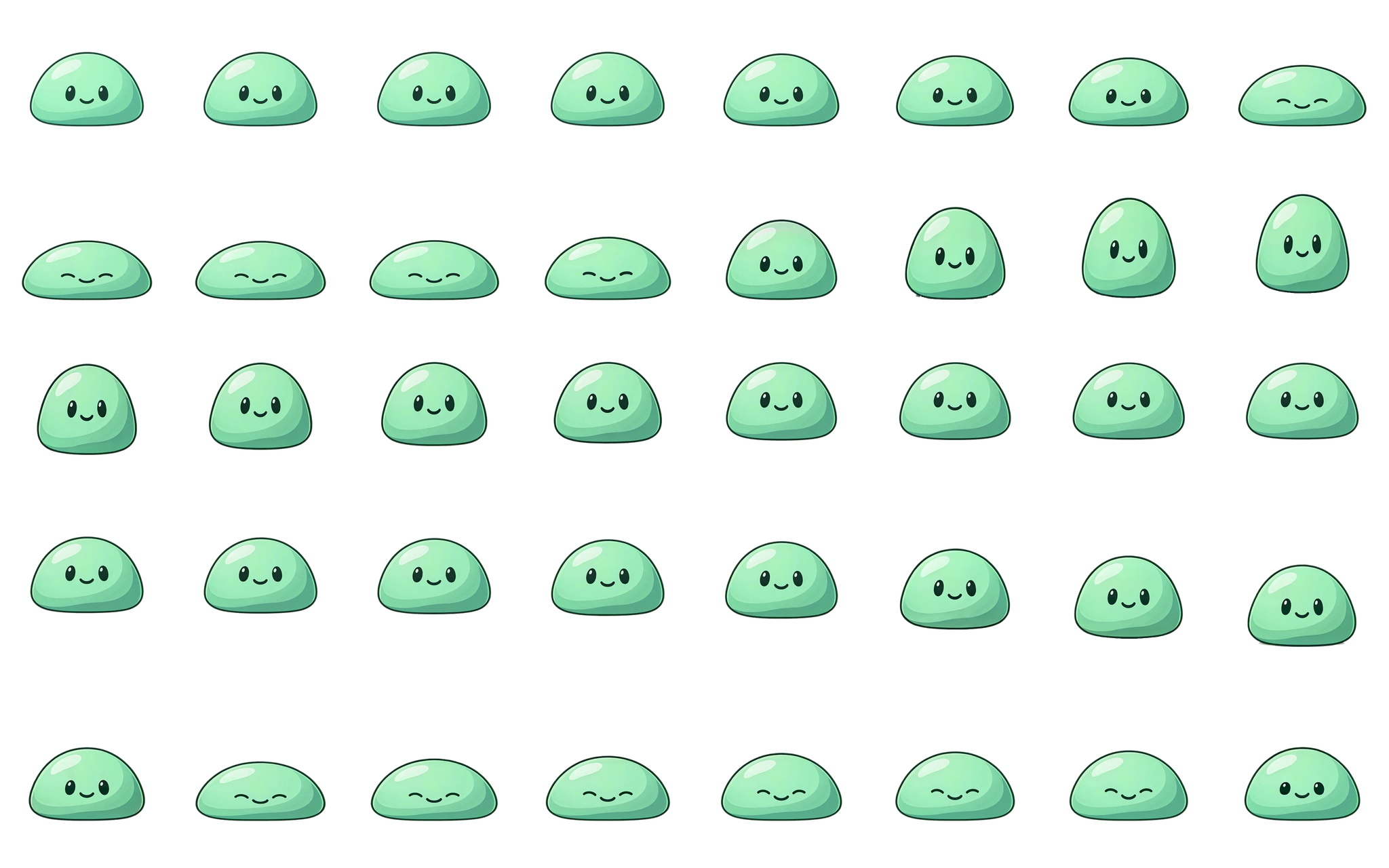
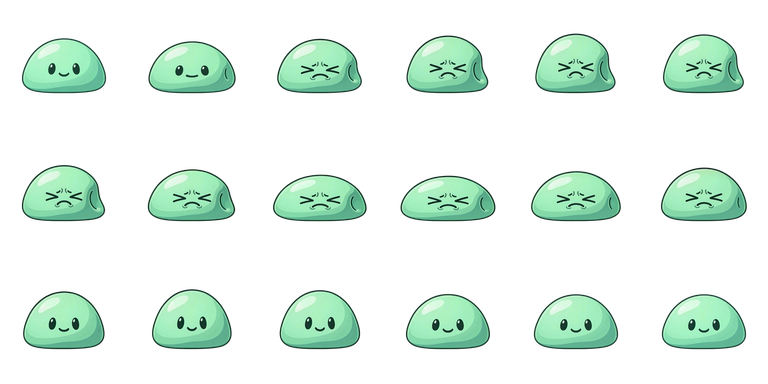
A mint green slime with three animations that share one anchor point, so you can switch between idle, jump, and hurt without the sprite shifting.
Free for personal and commercial games

Idle
- 40 frames
- 20 fps
- 2 s
- 8 × 5 grid
- Loops
A lively idle loop.
Downloads
| Cell size | Sheet size | Files |
|---|---|---|
| 128 × 128 px | 1024 × 640 px | |
| 256 × 256 px | 2048 × 1280 px |
Jump
- 40 frames
- 20 fps
- 2 s
- 8 × 5 grid
- Loops
The jump's height is already in the frames, so don't add a second jump offset in code. There is no ground shadow; add your own if you need one.
Downloads
| Cell size | Sheet size | Files |
|---|---|---|
| 128 × 128 px | 1024 × 640 px | |
| 256 × 256 px | 2048 × 1280 px |
Hurt
- 18 frames
- 20 fps
- 0.9 s
- 6 × 3 grid
- Plays once
Play it once, then return to idle. The last pose is close to idle but not identical.
Downloads
| Cell size | Sheet size | Files |
|---|---|---|
| 128 × 128 px | 768 × 384 px | |
| 256 × 256 px | 1536 × 768 px |
The ZIP holds the sheet, the JSON, every frame as a PNG, the GIF, and the license.
License
- Free for personal and commercial games and other finished creative products
- You may resize, recolor, crop, and otherwise modify it
- Credit to AnimGen is optional
- Don't redistribute the files, or lightly edited copies, as an asset pack
Use it in your project
- Slice the sheet into equal cells of the size listed above, reading left to right and top to bottom. There is no gutter between cells.
- Play the frames forward at the listed frame rate. Don't use ping-pong playback.
- Keep the full cell. Don't trim or recenter single frames, or the motion will jitter.
How this sprite was made
The slime was drawn by an AI image model and animated with AnimGen from that one image. The frames were trimmed, timed to 20 fps, and resized by hand, and the jump's ground shadow was removed.
Animate your own character
Upload one character image, describe the action, and export a sprite sheet like this one.
Animate my character